

Case Study: Building Binary Tech Institute — A UK IT Training Platform
How I designed and launched Binary Tech Institute in 3 weeks: a UK IT training platform with a live course catalog, 54 free networking tools, and a custom admin dashboard the client can run without a developer.
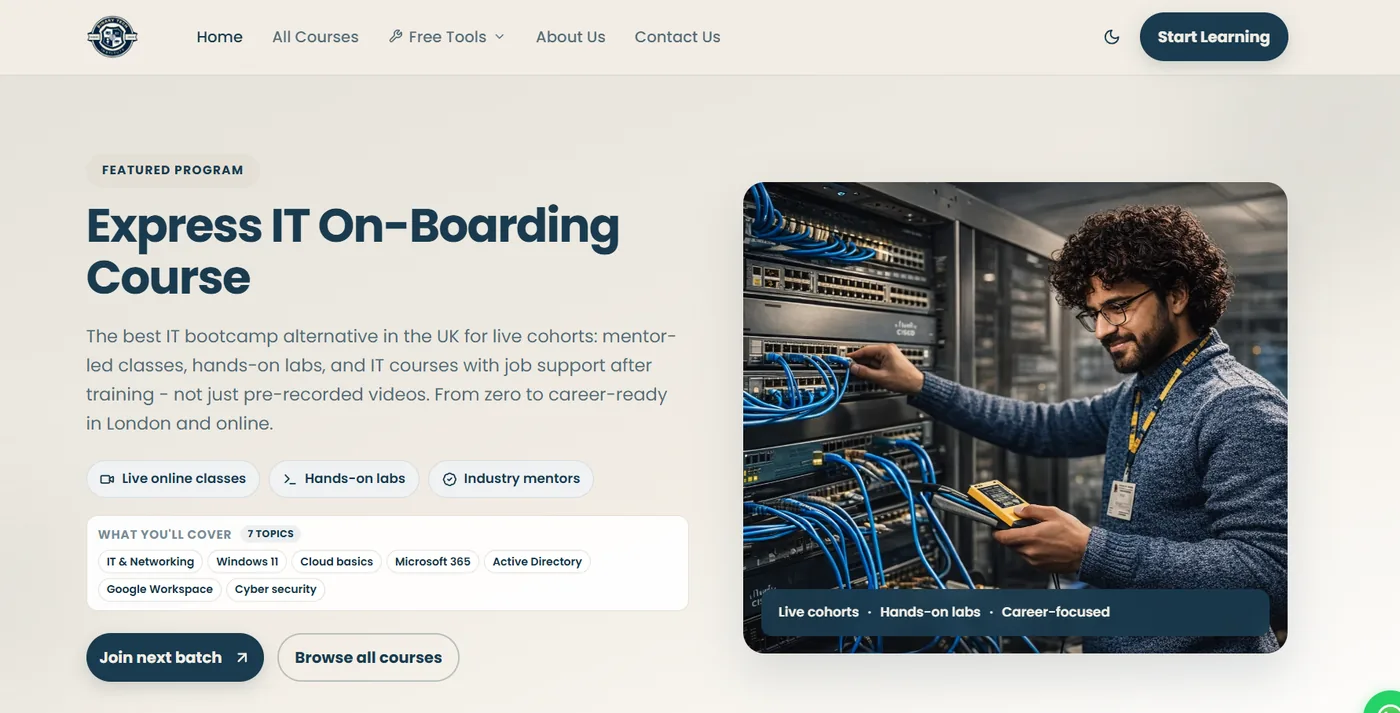
Binary Tech Institute is a UK-registered IT training company that runs live, mentor-led cohorts — from CCNA networking to Linux server administration to self-hosted AI systems. They needed a full platform, not just a marketing site: a place to showcase courses, capture enrollments, publish free tools, and manage everything themselves without touching code every time a new cohort launched.
That last point shaped almost every decision in the build. This case study covers the 3-week turnaround from first wireframe to live launch on binary-tech.co.uk.
3
Weeks to launch
54
Free tools
UK
IT training platform
Admin
Self-managed CMS
The Brief
The client wanted students to evaluate a course at a glance — session counts, duration, schedule, and pricing — and they wanted their own team to add or change that content without a developer. The public site and the admin dashboard had to feel like one product, not a brochure taped onto a spreadsheet.
I treated it as a platform from day one: course catalog, enrollment capture, a community tools hub, and a dedicated admin area for courses, instructors, and site content.
Why Speed Mattered
The client needed to go live in time for their next course intake, so I committed to a 3-week turnaround from design to deployment. That meant working in parallel: designing the UI system, wiring the content structure, and building the admin tooling at the same time, then testing everything together in the final days before launch.
The Tech Stack
I built the platform on a modern, production-ready stack:
- Node.js for the backend and server logic
- Next.js for server-rendered pages, routing, and SEO-friendly performance
- Tailwind CSS for a fast, consistent, and fully responsive design system
- HTML and supporting frontend libraries for the finer interactive details
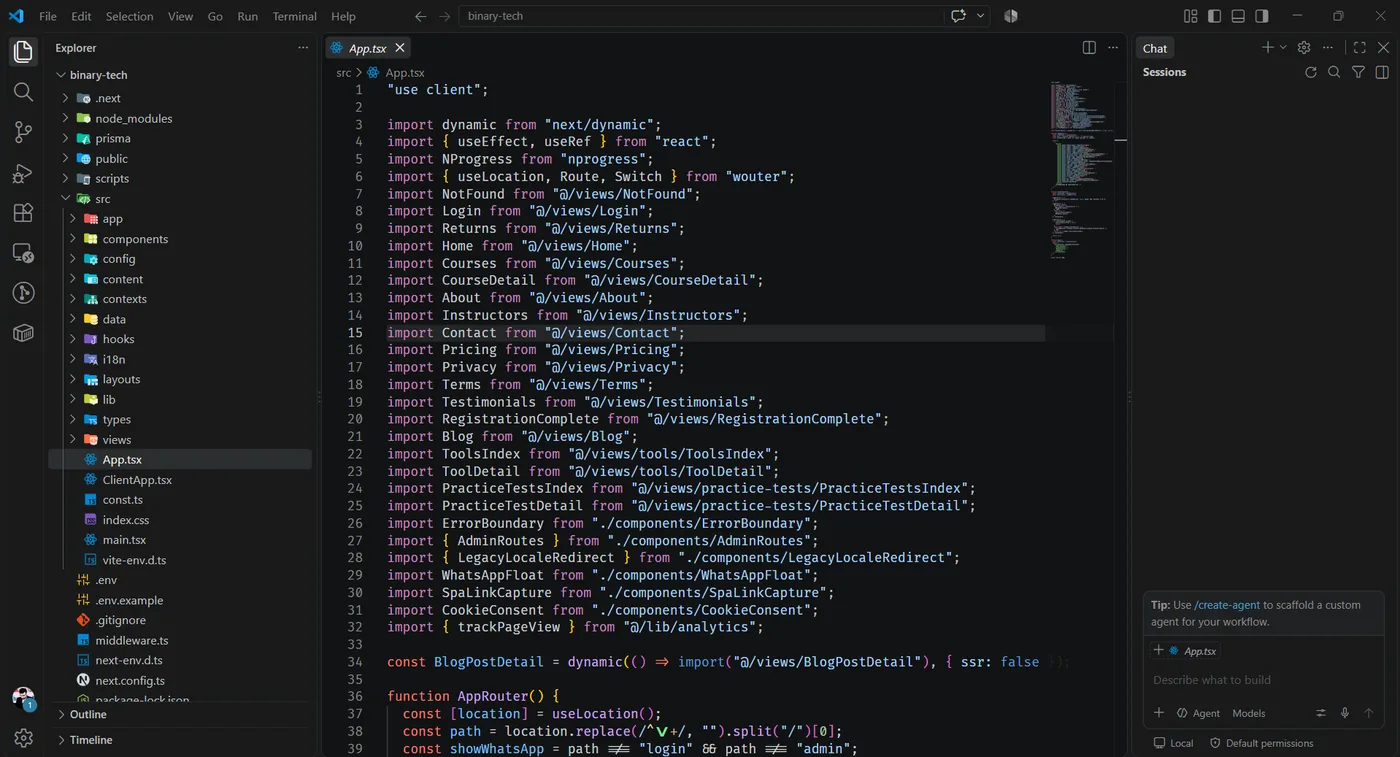
For hosting, I purchased and configured the domain and hosting through Hostinger, handling DNS, SSL, and deployment so the client had a single, reliable home for everything — no juggling multiple providers.
Key Features
1. A Custom Admin Panel
This was the heart of the project. Rather than handing the client a static site they would need a developer to update, I built a dedicated admin dashboard where the Binary Tech team can:
- Add, edit, and remove courses — pricing, schedules, session counts, and descriptions
- Manage instructor profiles
- Control other site content without ever opening a code editor
The result is a client who is genuinely self-sufficient. New cohorts, price changes, and course updates go live in minutes.
2. A Free Tools Hub
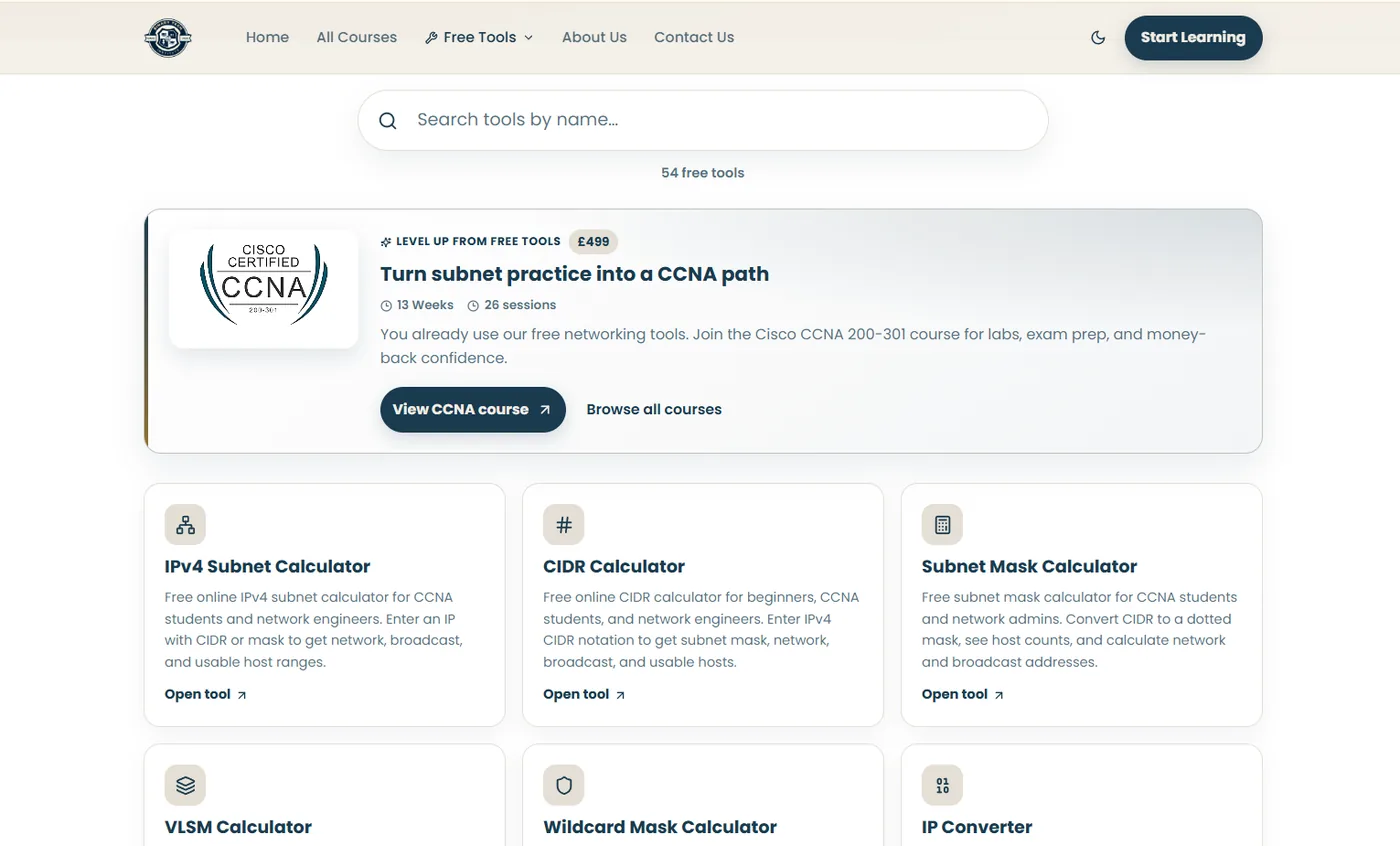
To build community trust and organic traffic, the site includes a library of 54 free tools — IPv4 subnet calculators, CIDR calculators, subnet mask tools, VLSM calculators, and more — aimed at CCNA students and network engineers. Each tool page doubles as a soft funnel into the paid course catalog, with contextual upgrade prompts such as “Turn subnet practice into a CCNA path.”
3. A Full Course Catalog
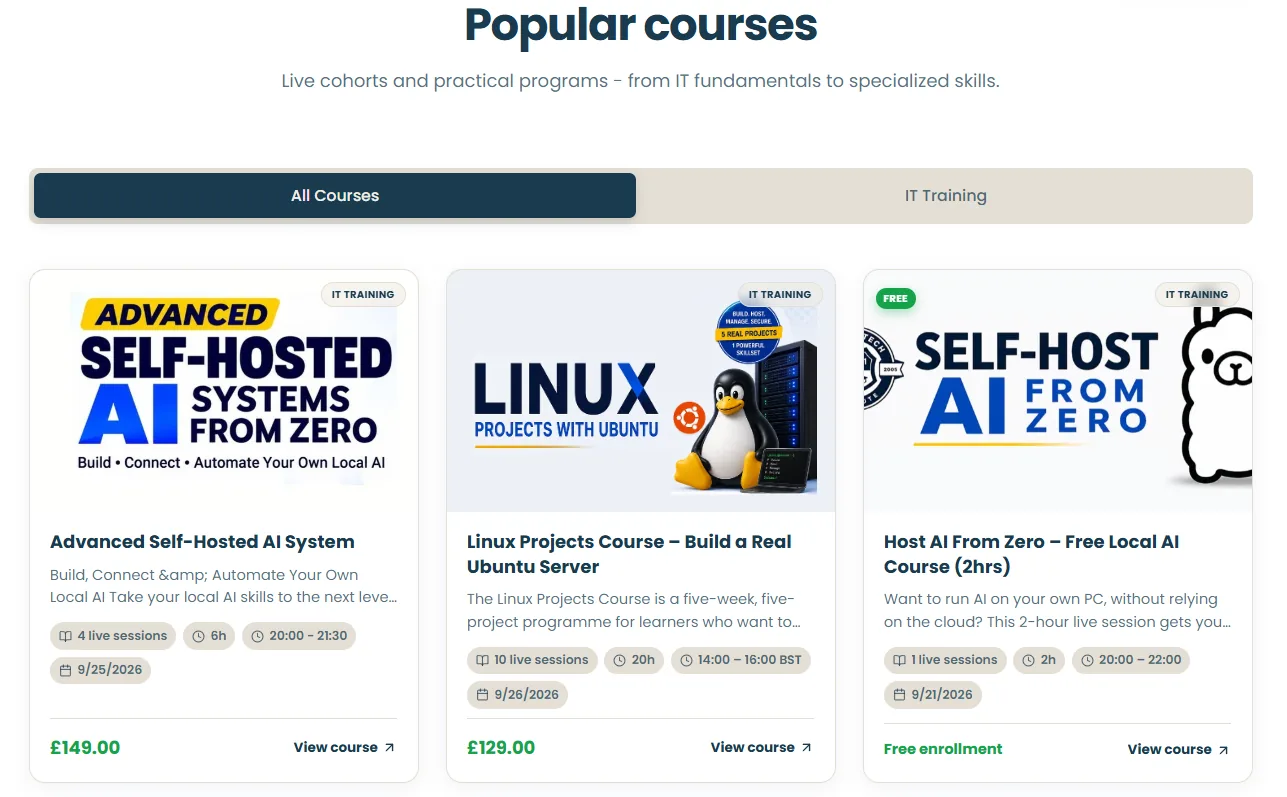
The homepage and course pages highlight live, mentor-led programs — Advanced Self-Hosted AI Systems, Linux Projects with Ubuntu, an Express IT On-Boarding bootcamp, and more — each with session counts, duration, schedule, and pricing clearly laid out. The design leans on real photography and clear badges (live sessions, hours, dates) so prospective students can evaluate a course at a glance.
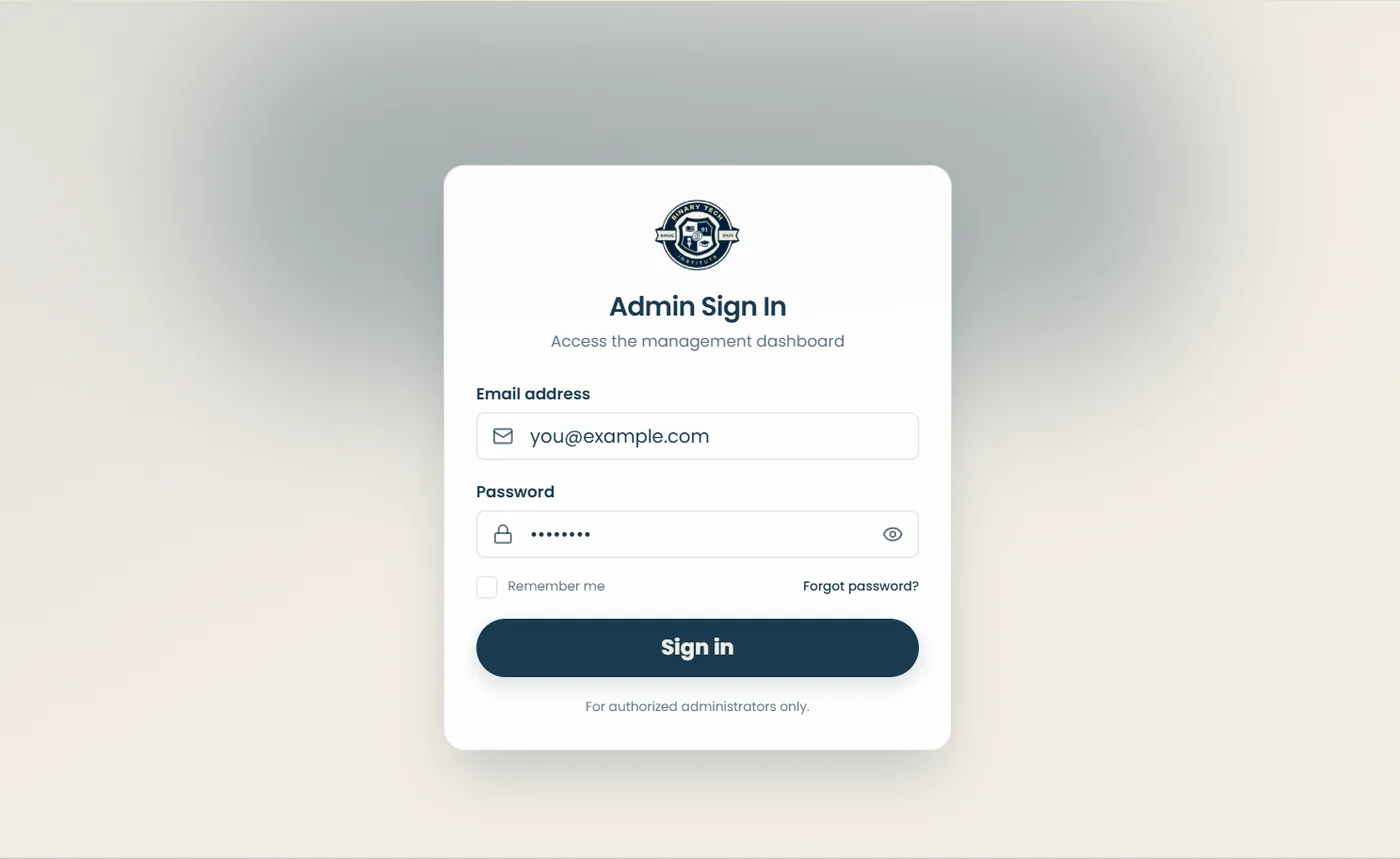
4. Secure, Branded Admin Access
Admin access sits behind its own sign-in flow, styled to match the Binary Tech Institute brand, so the client's team has a clean, professional space to log in and manage the platform — separate from the public-facing site.
The Result
Binary Tech Institute launched with a platform that looks and performs like a much larger EdTech product, but is fully self-managed by a non-technical team. The client was happy enough with the outcome to leave a review on my Google Business Profile — one of the best signals that the platform is genuinely solving their day-to-day problem, not just looking good on launch day.
Takeaways
This project is a good example of what I try to deliver on every client build: a fast turnaround, a stack that scales, and — most importantly — tooling that gives the client real independence after handoff. A course platform is only useful if the people running it can keep it updated long after the developer moves on.
Want a similar training platform for your business?
Get in touch →Frequently asked questions
Frequently Asked Questions About This Project
Quick answers on the Binary Tech Institute brief, timeline, stack, and what the client can manage after handoff.